The HP OmniBook 5 is the new face of HP’s mainstream laptops, officially replacing the beloved Pavilion series. With a 13th Gen Intel Core i5 processor, a spacious 16-inch display, and a modern “Glacier Silver” chassis, it’s a polished—if safe—update. It’s perfect for students and office workers who need reliability, but power users might find the battery life average.
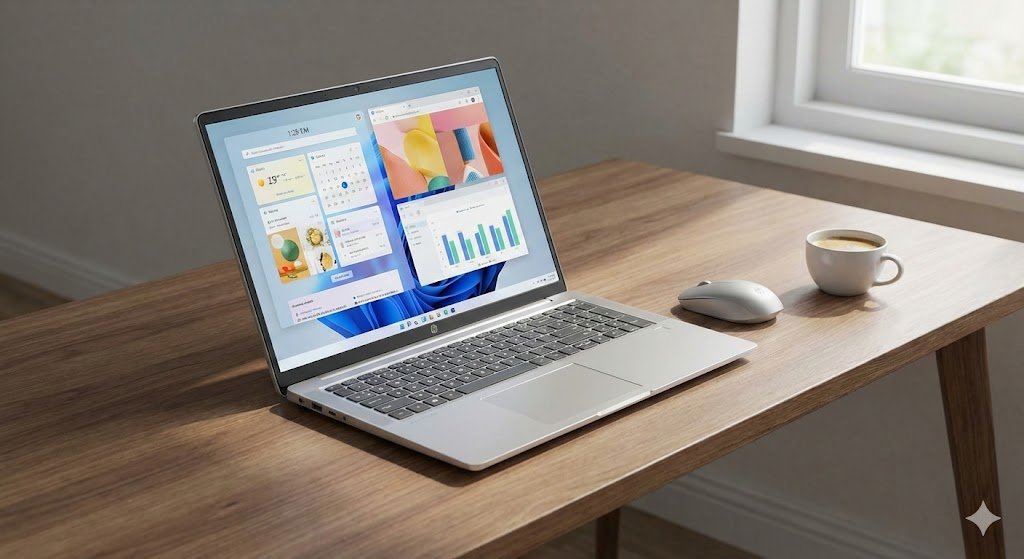
The New Kid on the Block (That Feels Very Familiar)
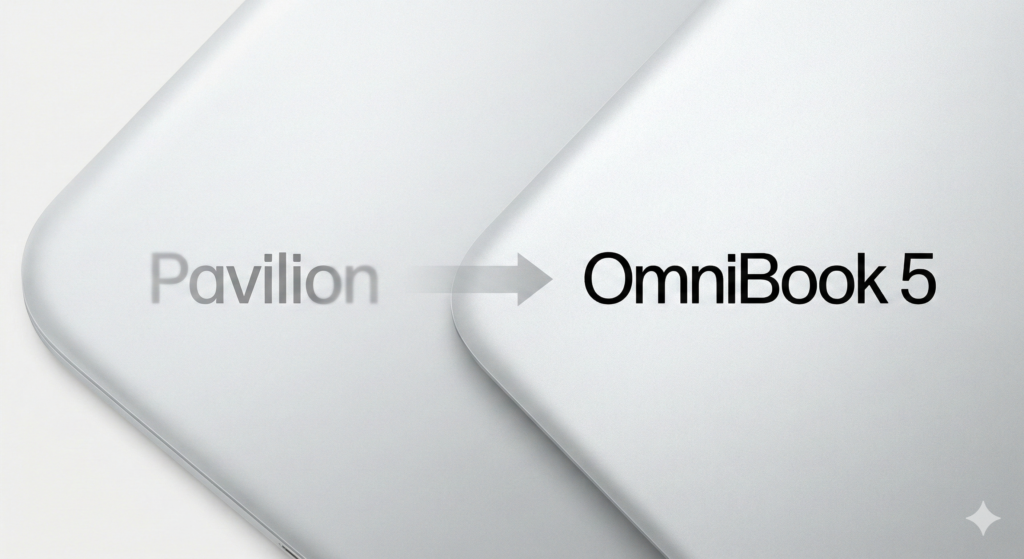
If you’ve been searching for a new HP Pavilion in 2026, you might be confused. Where did they go? The answer is the OmniBook 5.
HP has overhauled its consumer branding. The “Pavilion” name is retired, replaced by the OmniBook badge. The “5” denotes the mainstream tier (similar to a BMW 5-series or Ryzen 5), sitting below the premium OmniBook 7 and the AI-focused OmniBook X.
But is this just a name change, or is the hardware actually better? We spent a week with the 16-inch HP OmniBook 5 (13th Gen Intel) to find out.
Design & Build: A Silver Lining
Weight: 1.77 kg (3.9 lbs)
Chassis: Glacier Silver Aluminum
Ports: USB-C, USB-A (x2), HDMI 1.4, Headphone/Mic combo
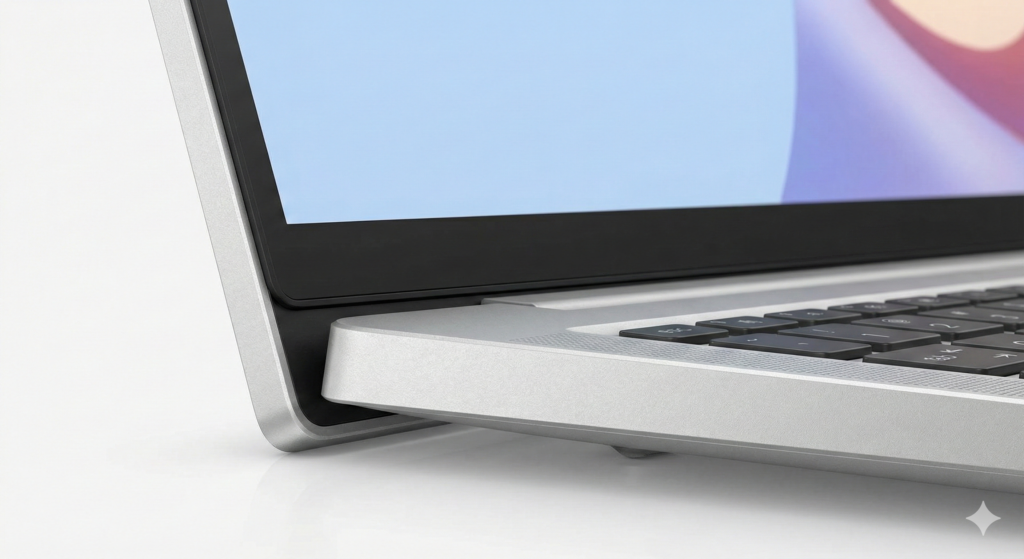
The first thing you notice is the cleanliness of the design. Gone are the busy angles of older Pavilions. The OmniBook 5 uses a sustainable, recycled aluminum chassis that feels cool to the touch and rigid enough to survive a backpack commute.
At 1.77 kg, it is surprisingly portable for a 16-inch device. It’s not “air” light, but it hits the sweet spot for students who need a big screen without breaking their backs. The hinge is sturdy, lifting the keyboard slightly for better airflow—a classic HP touch.
Display & Multimedia: The 16-Inch Advantage
Specs: 16-inch WUXGA (1920 x 1200) or 2K IPS, Anti-glare
Brightness: 300 nits
Webcam: 1080p FHD with Privacy Shutter
The move to a 16:10 aspect ratio is the real winner here. Unlike the older 16:9 screens, this gives you more vertical space—perfect for scrolling through long Word docs or Excel sheets without constantly hitting “Page Down.”
The panel is sharp and colorful enough for Netflix binges, though it lacks the deep blacks of an OLED screen. The 1080p webcam is a massive jump from the grainy 720p cameras of the past, featuring temporal noise reduction that actually makes you look decent on Zoom calls in low light.
Performance: Is the 13th Gen i5 Still Good in 2026?
Processor: Intel Core i5-1334U (10 Cores, 12 Threads)
RAM: 16 GB LPDDR5x (Soldered)
Storage: 512 GB PCIe Gen4 NVMe SSD
The engine room of this laptop is the Intel Core i5-1334U. This is a U-series chip, meaning it prioritizes efficiency over raw power.
In our testing, it chewed through daily tasks effortlessly. We had 25 Chrome tabs open, Spotify streaming, and a heavy PowerPoint file running simultaneously—no stutter. The 16GB of fast LPDDR5x RAM ensures the system feels snappy.
However, know its limits: This is not a gaming laptop. The integrated Intel Iris Xe graphics can handle light photo editing or older games (like League of Legends), but don’t expect to run Cyberpunk 2077.
HP OmniBook Family Comparison
Confused by the new names? Here is how the “5” stacks up against its more expensive siblings.
| Feature | HP OmniBook 5 (This Review) | HP OmniBook X |
| Best For | Students, Home Office, Budget | Power Users, AI Creators |
| Processor | Intel Core i5 (13th Gen) | Snapdragon X Elite / Ultra |
| Price Tier | Affordable ($/₹ Budget Friendly) | Premium |
| Battery Life | ~6-7 Hours | 14+ Hours |
| NPU (AI) | No dedicated NPU | Yes (45 TOPS) |
Battery Life & Connectivity
This is where the “Budget” nature shows slightly. The 3-cell, 41 Wh Li-ion battery is modest for a 16-inch screen. In our looped video test at 50% brightness, we got about 6.5 to 7 hours.
That’s enough for a focused school day, but if you have a long day of lectures or meetings, you will need to carry the charger. Fortunately, it supports HP Fast Charge (50% in 30 minutes).

The Verdict: Should You Buy It?
The HP OmniBook 5 is a successful rebrand. It takes everything people liked about the Pavilion—affordability and reliability—and wraps it in a chassis that looks and feels more expensive than it is.
✅ Buy it if:
You are a student or office worker who needs a reliable “do-it-all” machine.
You want a large 16-inch screen for productivity.
You want a premium-looking laptop without the premium price tag.
❌ Skip it if:
You need all-day battery life (look at the OmniBook X or MacBook Air).
You are a video editor or gamer (you need a dedicated GPU).
Final Score: 8/10 A solid, no-nonsense workhorse that proves you don’t need to spend a fortune for a quality Windows 11 experience.